Login Instructions for Epic Games accounts
You must download Epic Games. If you already have Epic Games, log out from your own account.
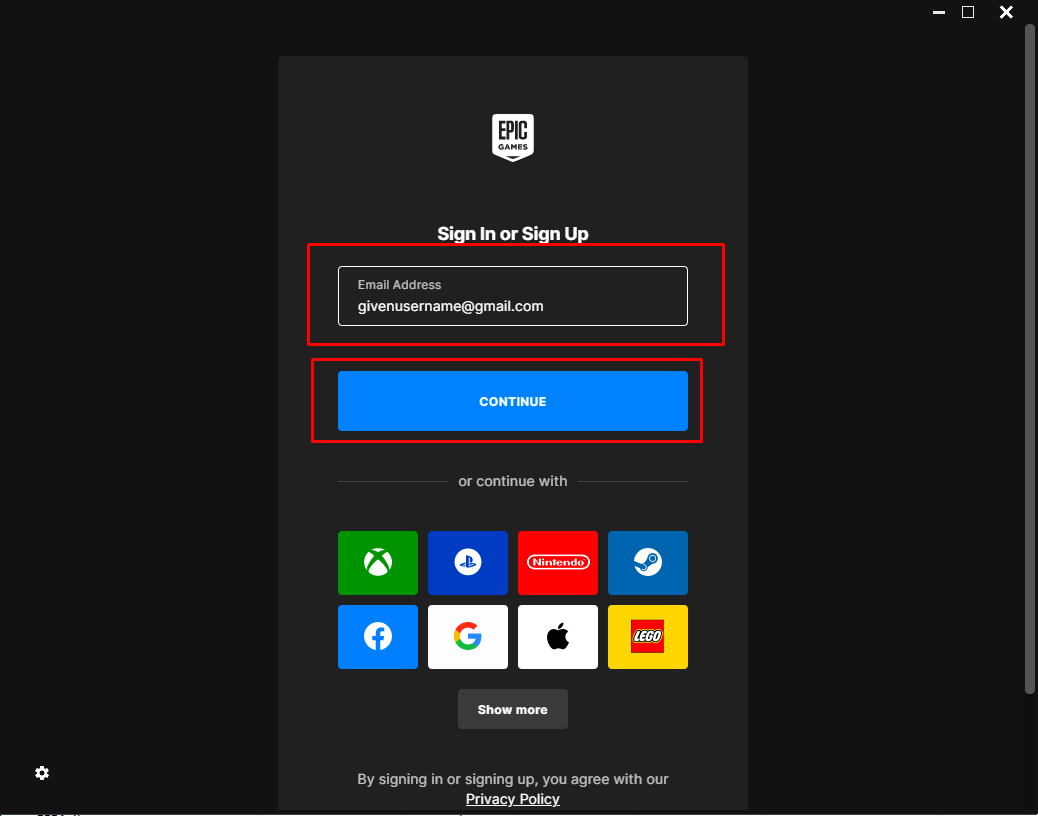
Please log in to Epic Games using the provided username and password.
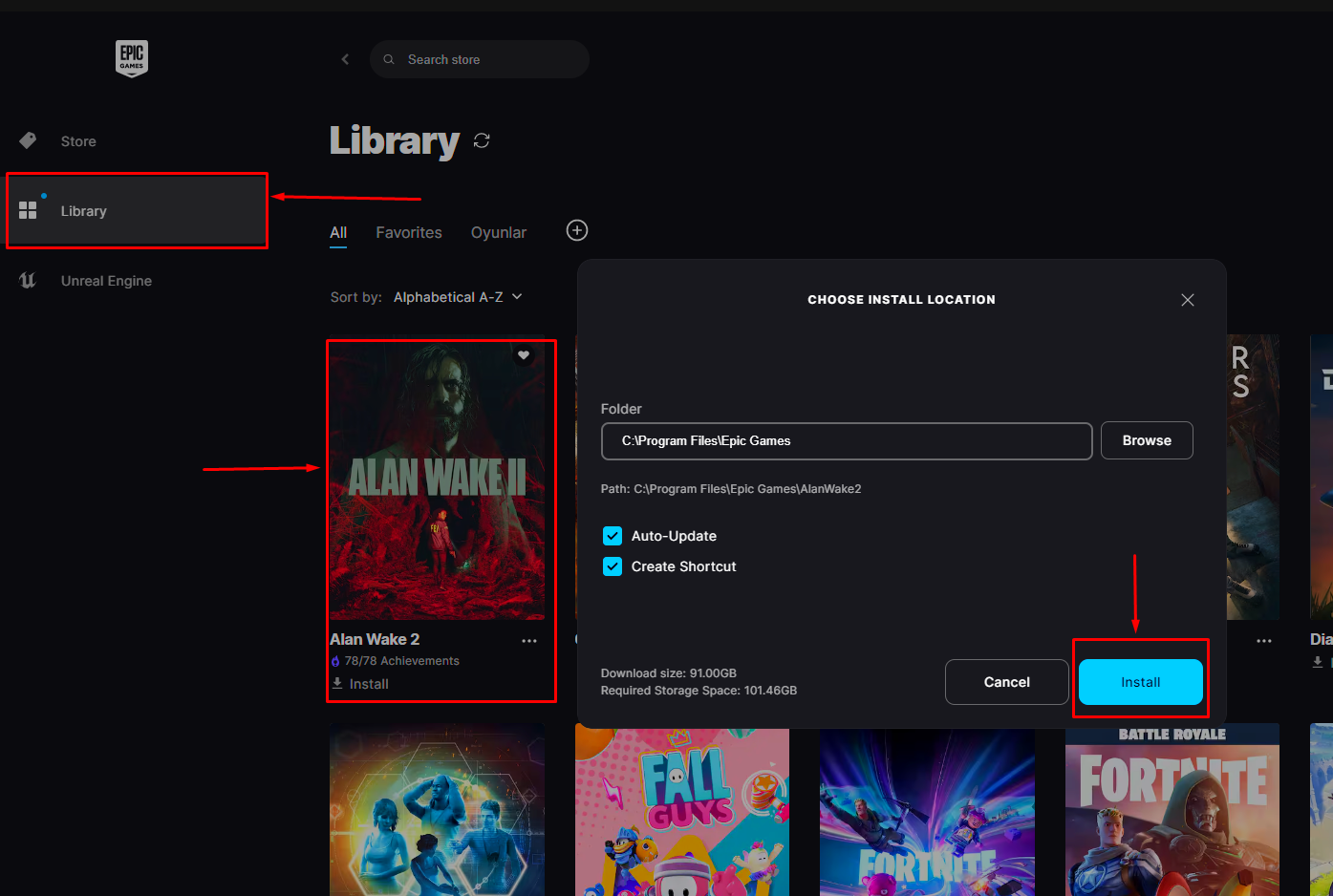
Download the game, and once it has finished downloading, launch it. After waiting in the menu for about 30 seconds to 1 minute, exit the game.
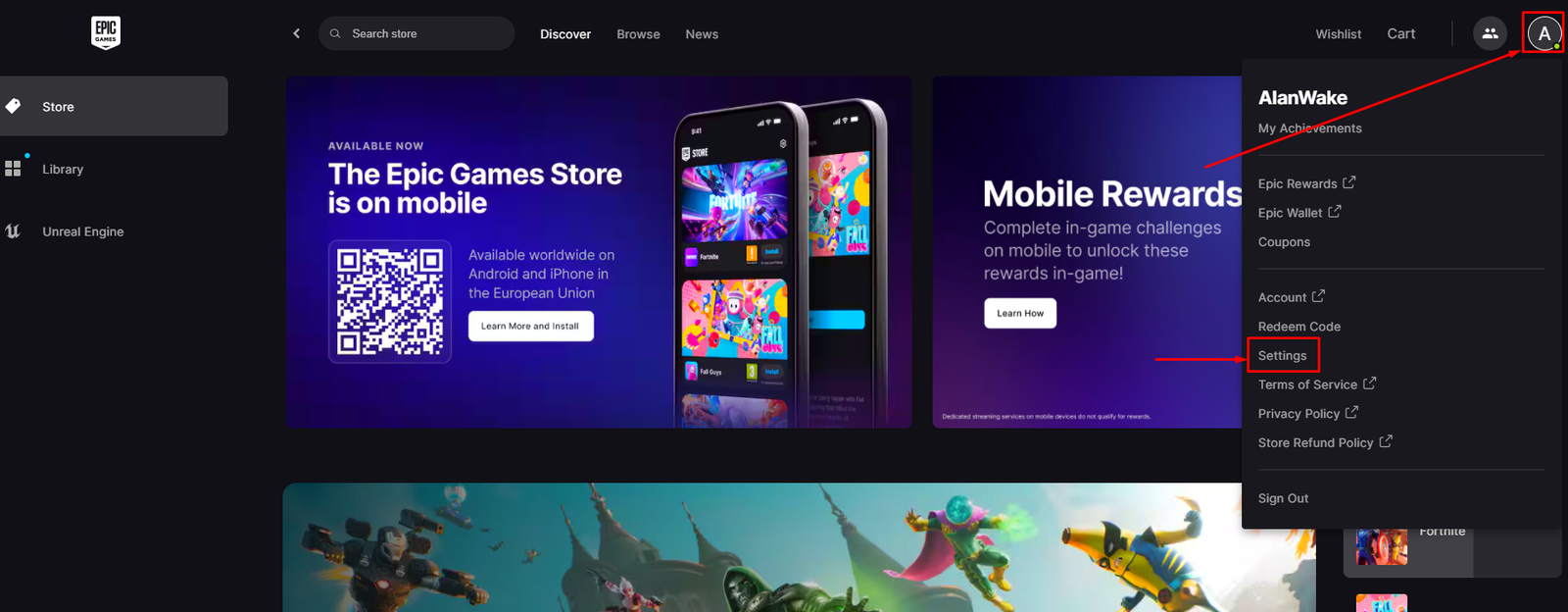
Go to the settings.
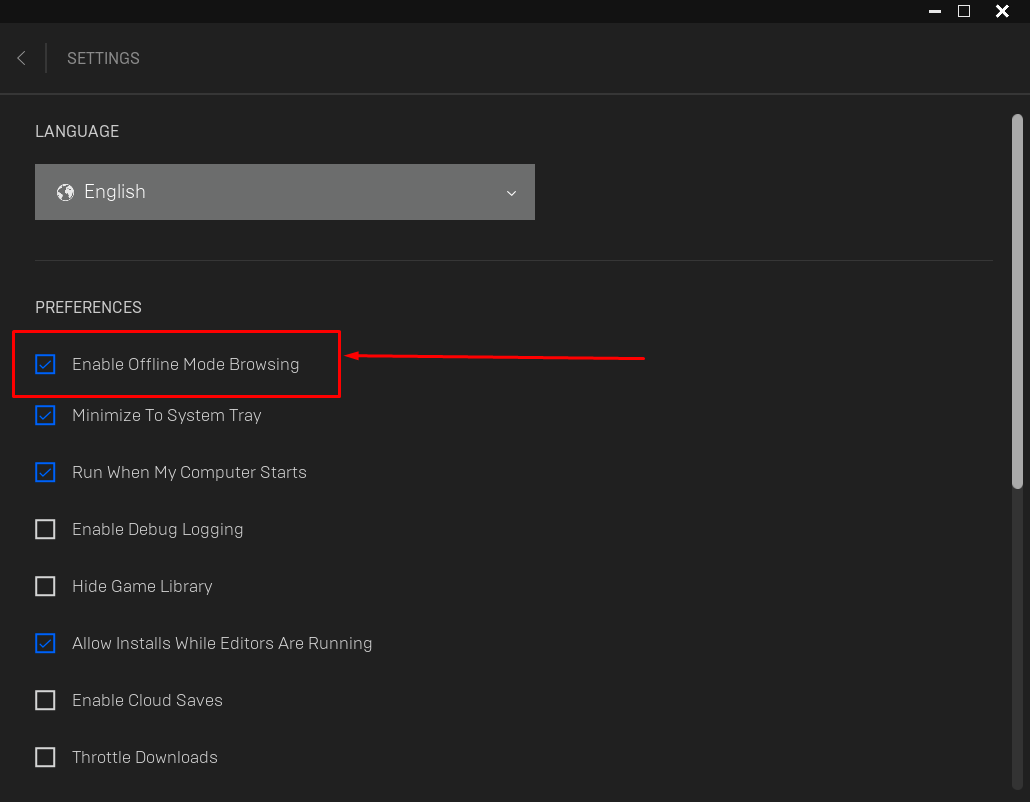
Enable the ‘Offline Mode Browsing’ option. Configure the other checkboxes as shown in the image.
Close Epic Games and then reopen it.
You’re now ready to play. Have fun!