I purchased a new account, how do I receive it?
For Non-Automatic Delivery Orders: Your order will be sent to your email address within 24 hours.
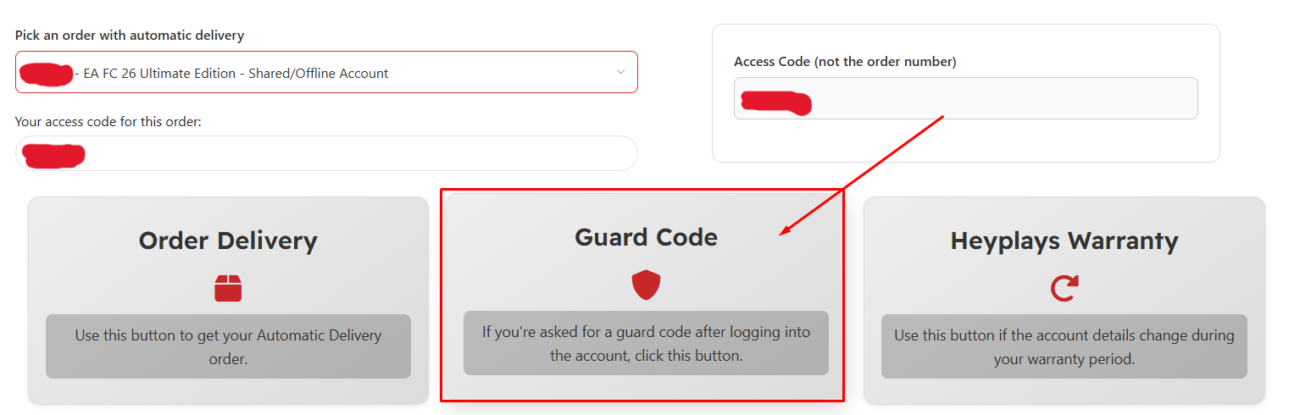
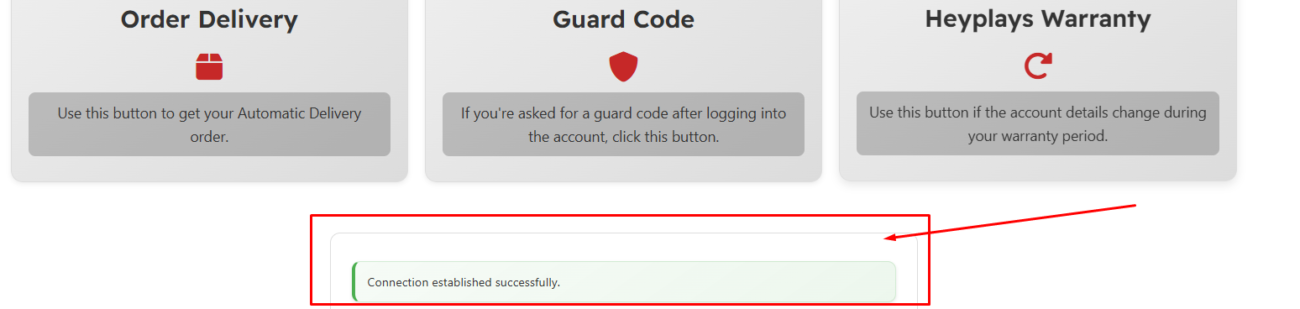
For Automatic Delivery Orders: Please retrieve your order from the Automatic Delivery Page. Detailed instructions can be found in the images below.
Link for automatic delivery page: https://heyplays.com/automatic-delivery/
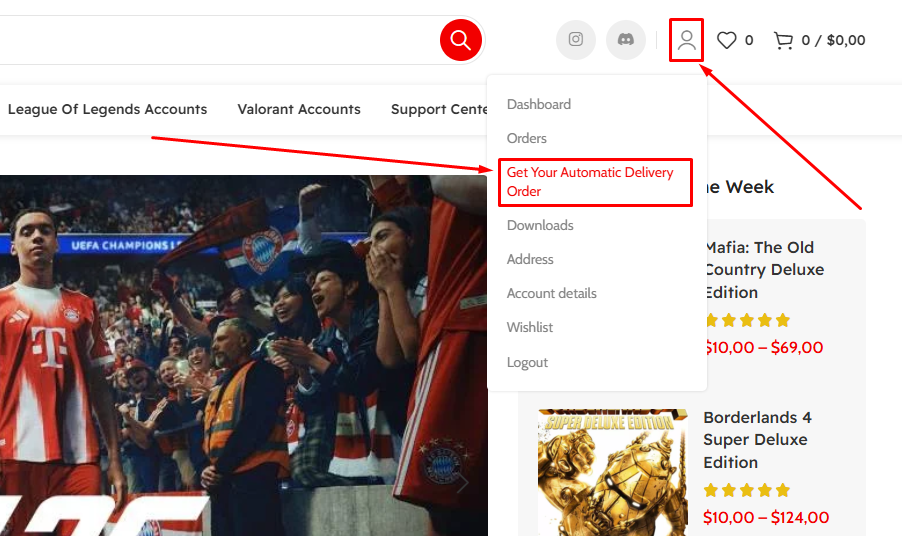
1-) Click the Account/Profile icon in the top-right corner, then select “Get Your Automatic Delivery Order” from the dropdown menu.
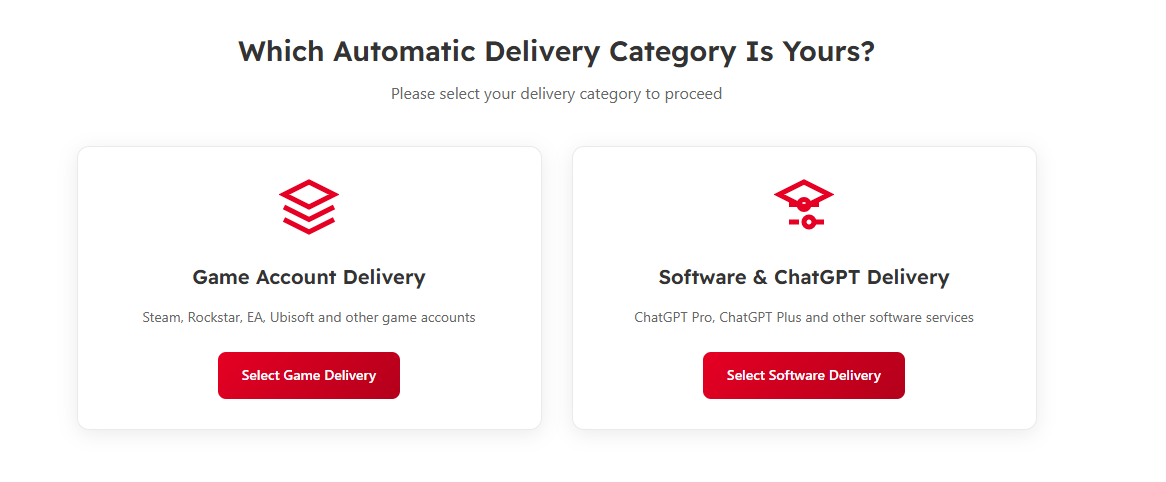
2-) Choose the correct delivery category: Game Account Delivery (for Steam/EA/Ubisoft accounts) or Software & ChatGPT Delivery (for subscriptions/software). Then click the matching Select button.
3-) On the Automatic Delivery page, open the “Pick an order with automatic delivery” dropdown and select your purchased order from the list.

4-) After selecting your order (and confirming the access code), click “Order Delivery” to retrieve your automatic delivery details.
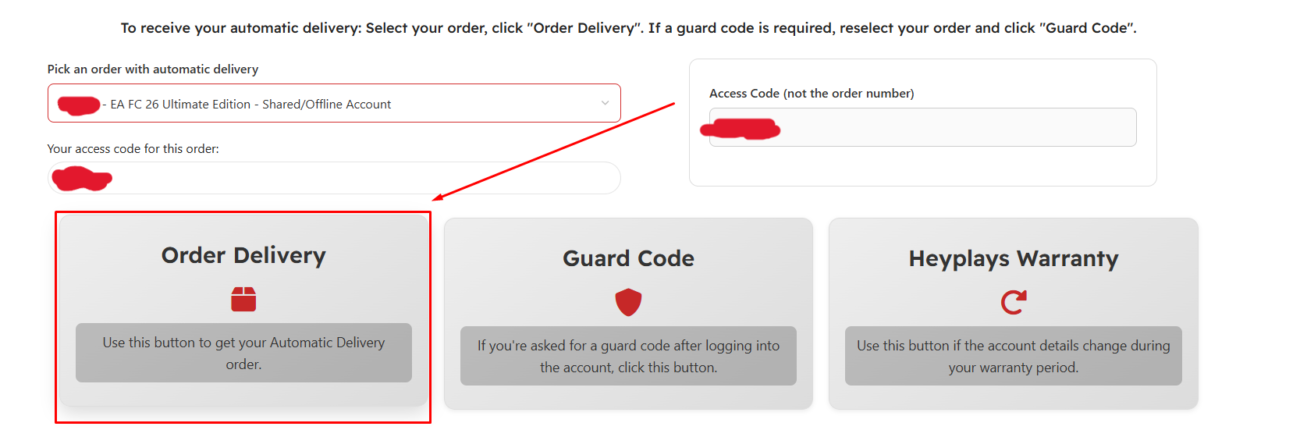
5-) If the platform asks for a guard code after you log in, re-select your order and click “Guard Code” to retrieve the required guard code.